
Tonight’s worksheet
is the password.
Photograph tonight’s worksheet. Kaela turns it into a short lesson and a quiz built from that page. Their phone stays locked until they score 80%, marked on our server, in about two seconds.
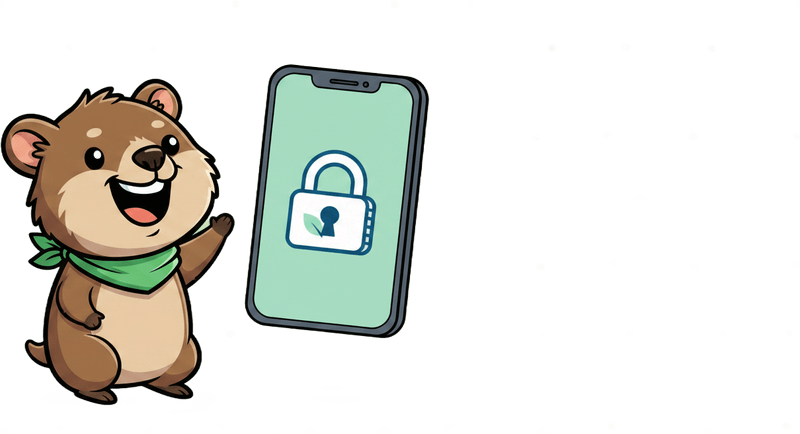
Phone locked
Fractions · Year 6
Tonight’s worksheet
Adding fractions
Photographed by Mum, 8:52 pm
3 minute lesson, then 5 questions
Always open
- Mum
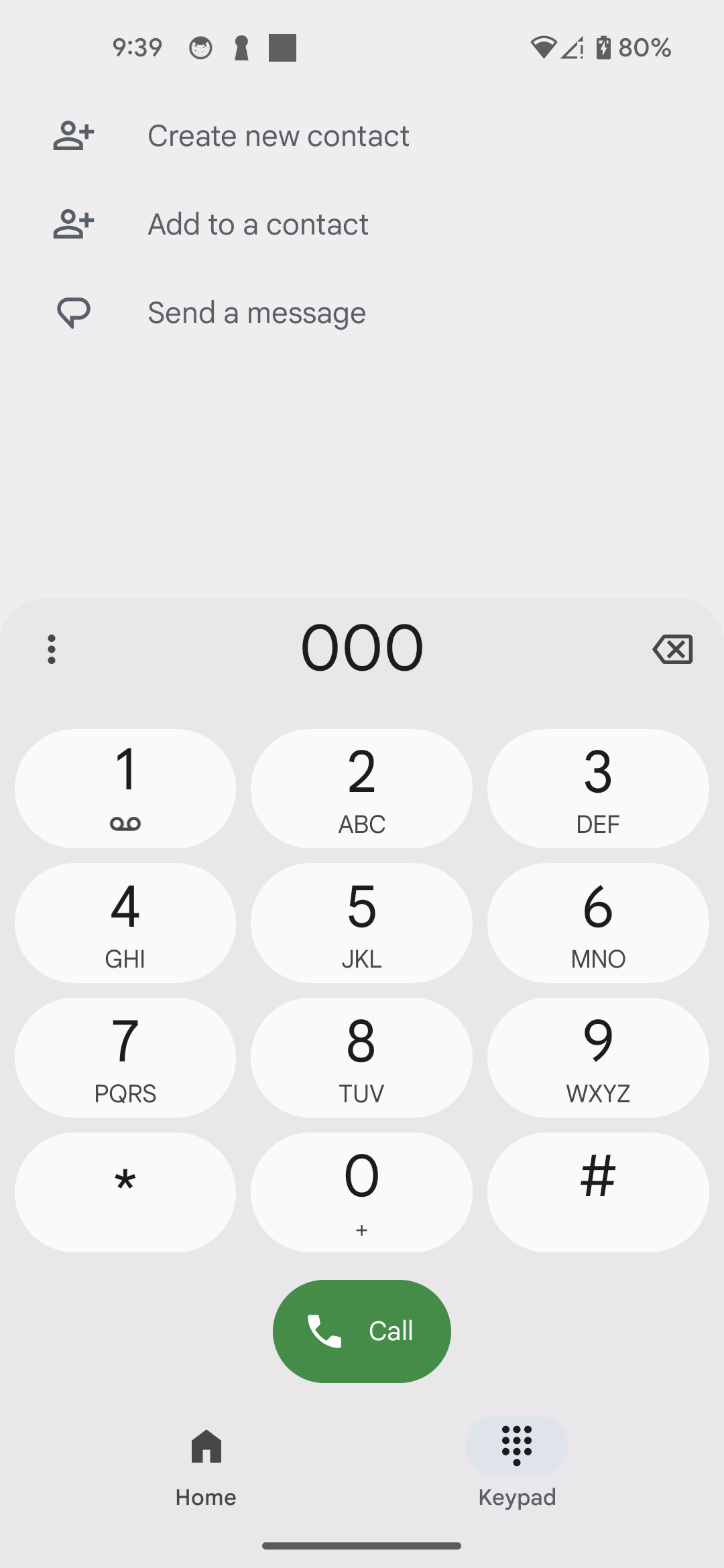
- 000
- Wallet
- Maps
- Clock

80% is a pass. Missing one still opens the phone.
No card to join. Android first.
- Stored in Sydney
- Override in 2 taps
- Unlocks in ~2 seconds
- No analytics in the kid app
How it works
Thirty seconds of your night. Fifteen minutes of theirs.
No timetable to build, no rules to configure, no dashboard to learn. You photograph what came home in the school bag.

And when they miss. Two minutes on only the parts they got wrong, then a fresh set of questions. Never the same questions twice, no waiting period, no cap on attempts. There is no version of this where the phone cannot be opened by doing the work.

How the tutor works
It teaches the page in the school bag, not a topic it picked.
Five steps, every time, in about fifteen seconds of setup. Here is the whole of it. There is no sixth step where it phones a human.
What it takes
Whatever came home in the school bag.
There is no subject list to check against, because Kaela does not teach a subject. It teaches the page you photographed. If it is legible, it is a lesson.
On the handset
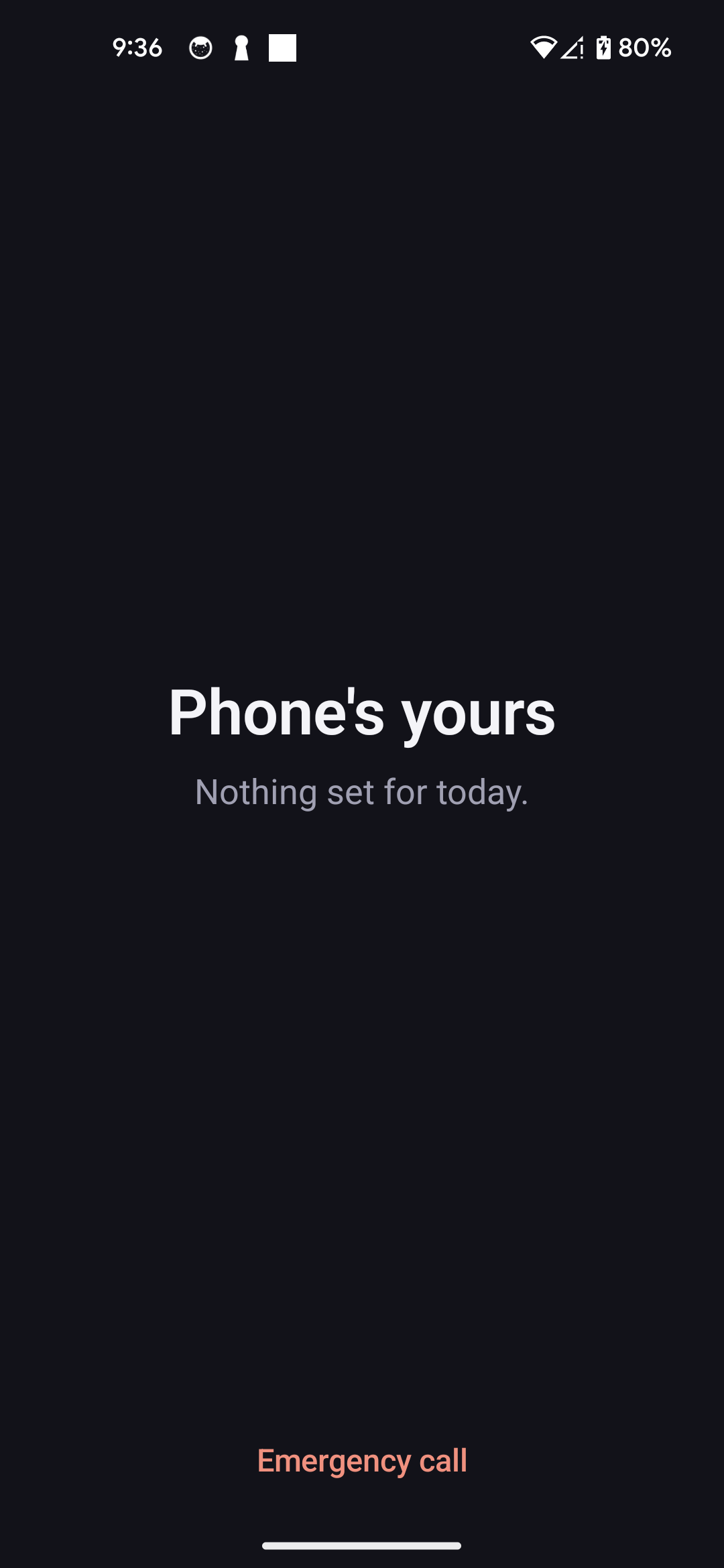
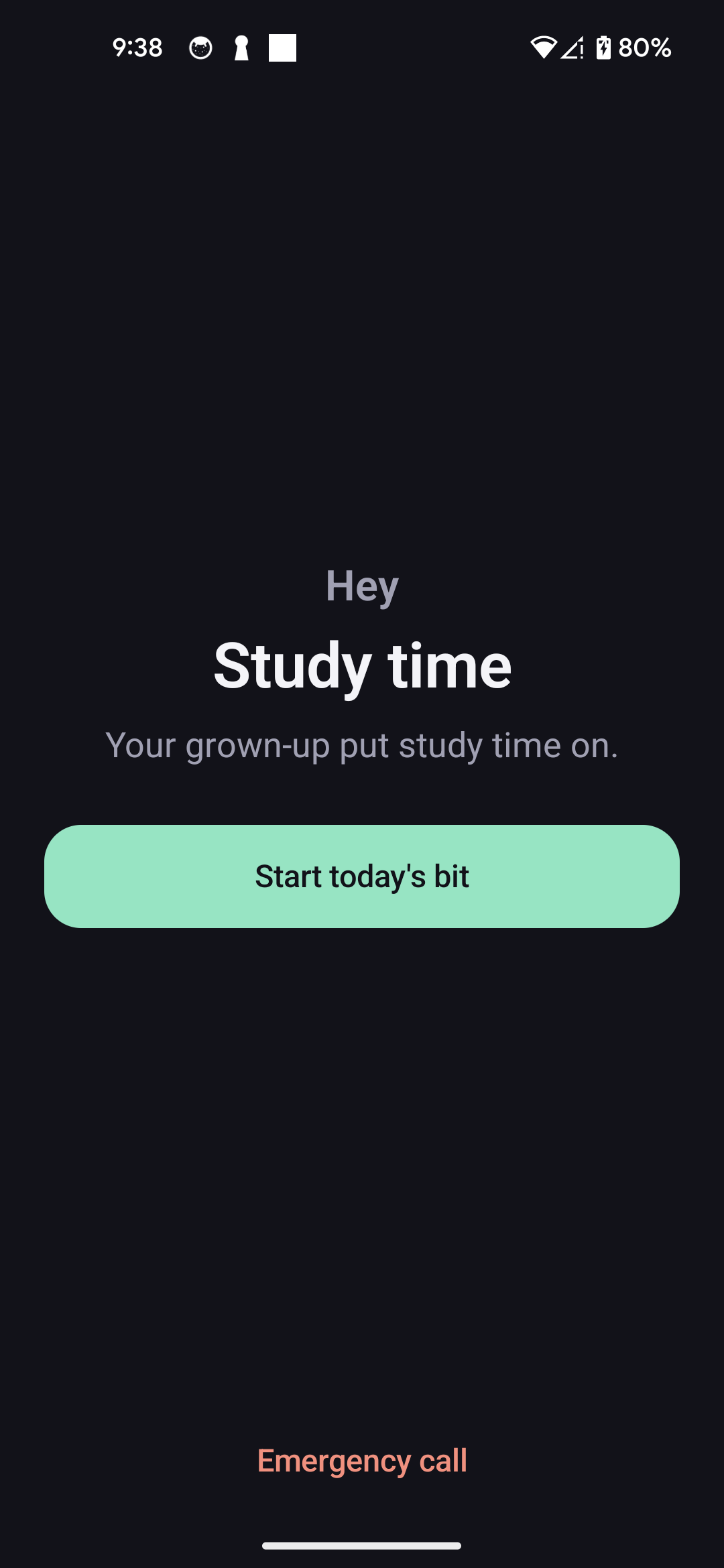
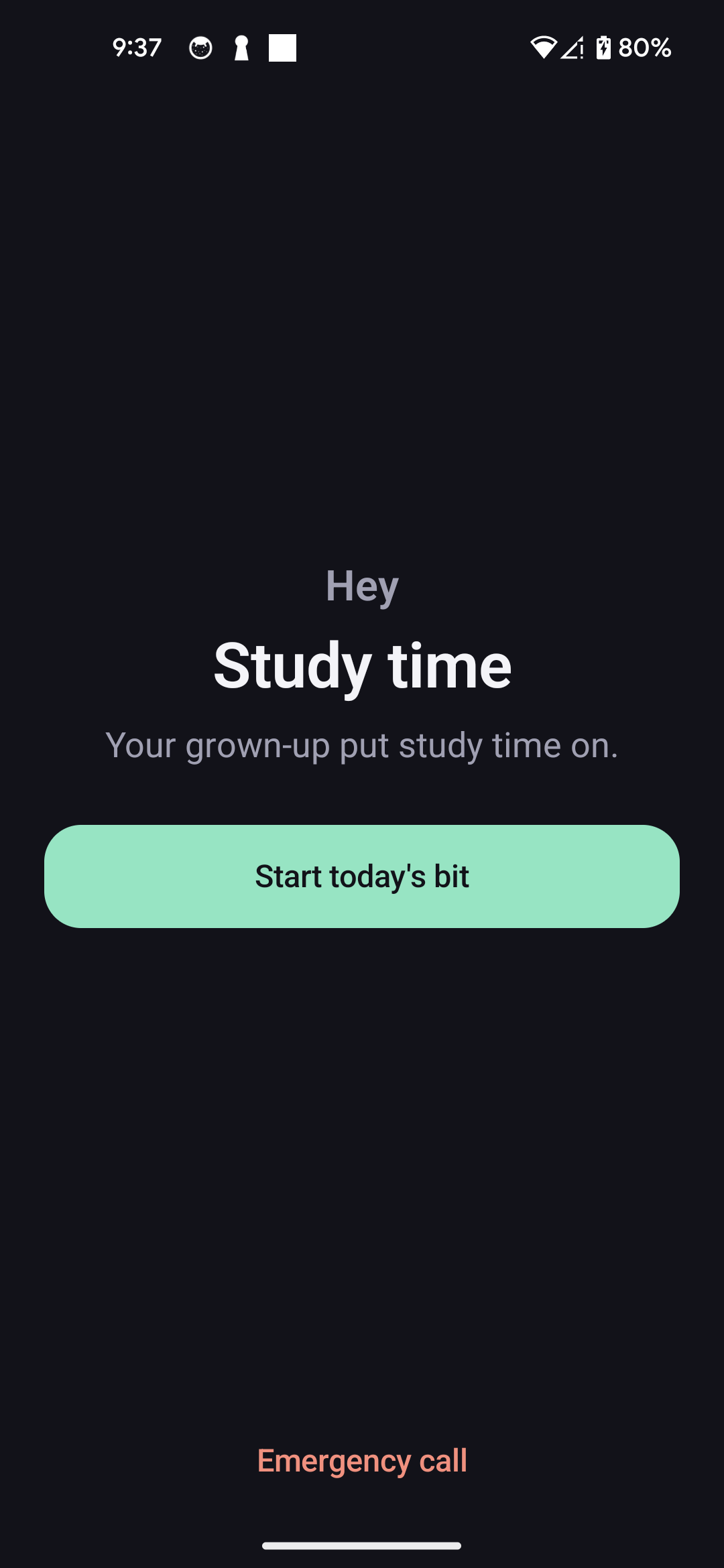
Four screens, captured off a real Pixel 5.
Not renders and not mock-ups. These are the phone's own screen captures from the proof run — a Google Pixel 5 on Android 14, 1080×2340, uncropped. The handset drawn around them is an illustration; the screens inside it are not. The offline lock screen shipped after that run and has no capture yet, so it is not here. It is in the playable demo.
The honest bit
Two locks on Android. One of them can be beaten.
Every product in this category implies the lock is unbreakable. One of ours nearly is. The other is not, and you should know which one you are installing before your kid finds out first.
Both tiers run the same product and both have been run on a real Pixel 5. Lessons, quizzes, the override and the survival list are identical. The only difference is how hard the lock is to remove. Take Max Lock unless the reset is the thing stopping you — and if it is, Standard now and Max later loses you nothing. More on uninstalling.
iPhone is coming soon. Join the waitlist.
Locking an iPhone means using Apple’s Screen Time framework, and Apple has to grant an entitlement before anyone can touch it. They have granted ours. That was the part outside our control and it is done.
What is left is ours: the lock is written but has not run on a real iPhone yet, and it still has to pass App Review. We are not naming a date, because we would be guessing at Apple’s queue as well as our own. Until it locks a phone we will not sell you anything for one.
One email, the day it actually locks a phone. Not before.
Privacy
A lock, not a listening device.
You are being asked to install software on your child's phone. That deserves more than a link in the footer, so here it is in the middle of the page.

Stored in Sydney
Database and uploaded files sit in the ap-southeast-2 region. Our API runs there too.
Training is opt-in, and off
We do not train on your child's work unless you switch it on. The switch starts off and says what it does.
No analytics SDKs in the kid app
Not one. No Firebase Analytics, no Meta SDK, no attribution kit. The kid app talks to us and to nobody else.
Export in one tap
Everything we hold about your family, in a file, whenever you want it.
Delete in one tap, and it is real
Rows and files removed, not hidden behind a deleted flag.
No screenshots, no keystrokes, no location
We do not log which apps they opened or for how long. The report is about what they are learning.
Sunday morning
A weekly report that coaches, not one that spies.
No per-minute logs, no screenshots, no list of the apps they opened. What they are getting better at, where they are stuck, and one thing worth trying this week.
Ella · Year 6
Week of 28 July – 3 August
0
Lessons done
One on Thursday, three over the weekend
0%
Average score
Up from 78% last week
0
Passed first go
Out of four. Best week so far
Average score, last six weeks
24 points since late June
The dashed line is 80%, where the phone opens
| Week beginning | Average score |
|---|---|
| 23 Jun | 58% |
| 30 Jun | 64% |
| 7 Jul | 61% |
| 14 Jul | 73% |
| 21 Jul | 78% |
| 28 Jul | 82% |
Where she is, topic by topic
Percentage correct across the last fortnight. The amber bar is the weak spot, called out underneath.
| Topic | Correct |
|---|---|
| Equivalent fractions | 92% |
| Adding fractions | 84% |
| Times tables | 81% |
| Fractions to decimals | 46% |
What is clicking

Equivalent fractions. She got every one of them, and she is getting there faster than she was a fortnight ago.
The weak spot
Turning a fraction into a decimal. Two out of five across the last two quizzes, and she pauses a long time before answering.
One thing to try
Ask her to say 3/4 as a decimal out loud at dinner. She gets there when she talks it through and stalls when she writes it down.
Pricing
$19.99 a month for the whole family.
A second child does not cost you another twenty dollars. Early access is free either way — these are the two trials waiting for you when your place opens, and you pick one then.
Android first. Full pricing detail.
Straight answers
The questions you are actually asking.
Including the ones that are awkward for us.

Be first to try it on a real worksheet.
Early access opens in groups. You get the Android build, the whole product, and an email the day your place is ready. Then photograph one worksheet and hit override once, just to prove to yourself that it works.
No card to join the list. $19.99 AUD a month when it opens, up to 5 kids. Android first.